








ROBAWS ERP system integrates seamlessly with digital work order app wappy
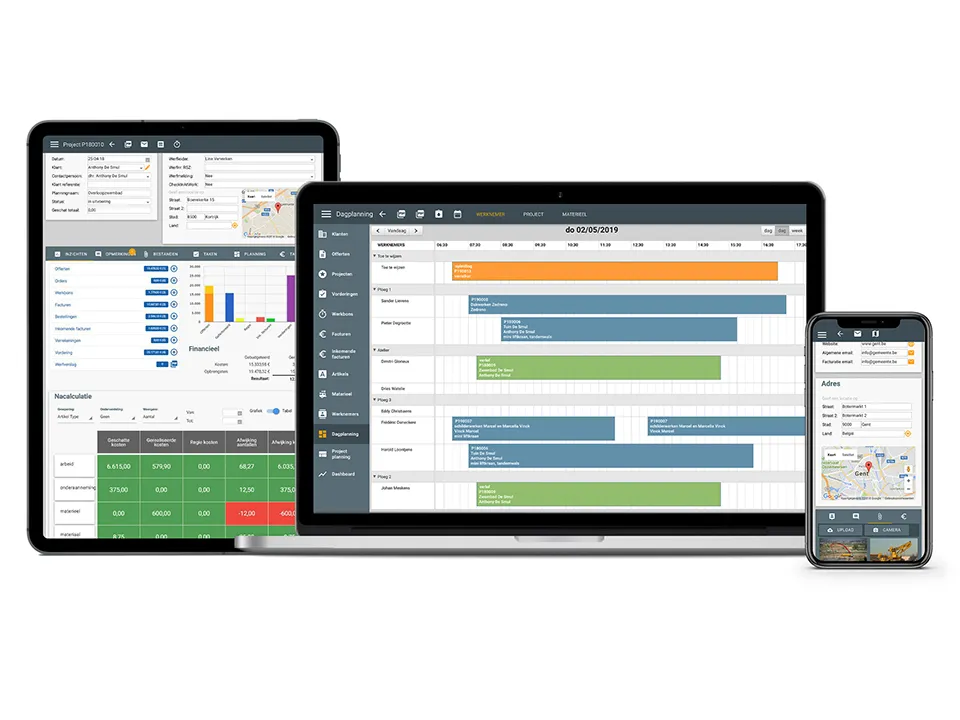
More and more project-based businesses in landscaping, construction and installation are going digital with ROBAWS’s administrative web application.
This is a new-generation ERP system for the construction sector, which integrates seamlessly with digital work order app wappy.
ROBAWS software was created for construction professionals who do not want to spend a lot of time getting started. A simple, intuitive interface makes this possible. Choose the package that suits your business needs, from basic to pro! It includes features such as quotes, cost estimating, invoicing, planning and much more. The result is an environment fully tailored to the needs of each business.
Robaws always provides prompt service and support. You start with a training programme that gets you up and running smoothly with handy tips and tricks. After the training, close collaboration continues, so you can always turn to the team with questions or for support.
Professionalisation
Professionalising your business is a major asset. A good example is sending visually appealing quotes, with you in control of the layout, including the option to add photos and subheadings. More professional collaboration between colleagues is also encouraged. Communications are better documented in customer records, while mobile work orders eliminate the need to exchange paperwork. Clear analysis tools give business owners better insight into company performance.
Integration with Wappy
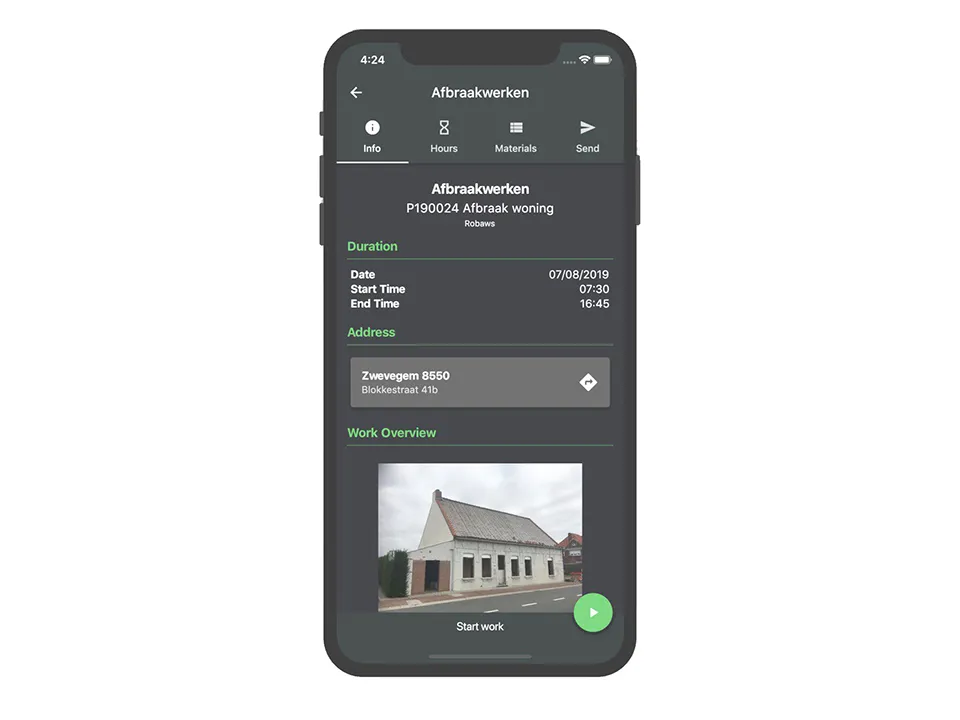
ROBAWS integrates seamlessly with wappy. By digitally recording hours and materials on site, the app does away with paper work orders. No fuss with thousands of features or endless training: wappy is the easiest work order app to use. It is as easy as using WhatsApp, and faster than writing things down on a piece of paper. A perfect fit for any business that values speed and efficiency.
How to create a work order
Creating a work order in wappy takes five simple steps:
- Share the day’s schedule, information, documents such as technical data sheets, and contact details digitally via the app. Start navigating to the site using the GPS connection.
- Record hours using the start and stop buttons.
- Select the materials used.
- Add extra information, such as an automatic mileage calculation or photos taken on site.
- All done? Get the work order signed off digitally to avoid disputes, then send the completed work order to ROBAWS. It is immediately available in ROBAWS and ready for your further administration, such as job costing and invoicing.
Request your free trial of wappy at www.wappy.io.
Question about this story? Ask your question
Companies in this story

Keep following this
Get an email when a new story is published. No account needed.
- SubjectProduct information
- CompanyROBAWS